

My Devices
A list of devices where you have installed NOKL, logged in, and enabled sharing.
- Remote Disk: Mount and browse drives on these devices.
- Remote Desktop: Access device screens using RDP or VNC.
This is your control center. Here is what you will find in the NOKL Dashboard and what to try next.
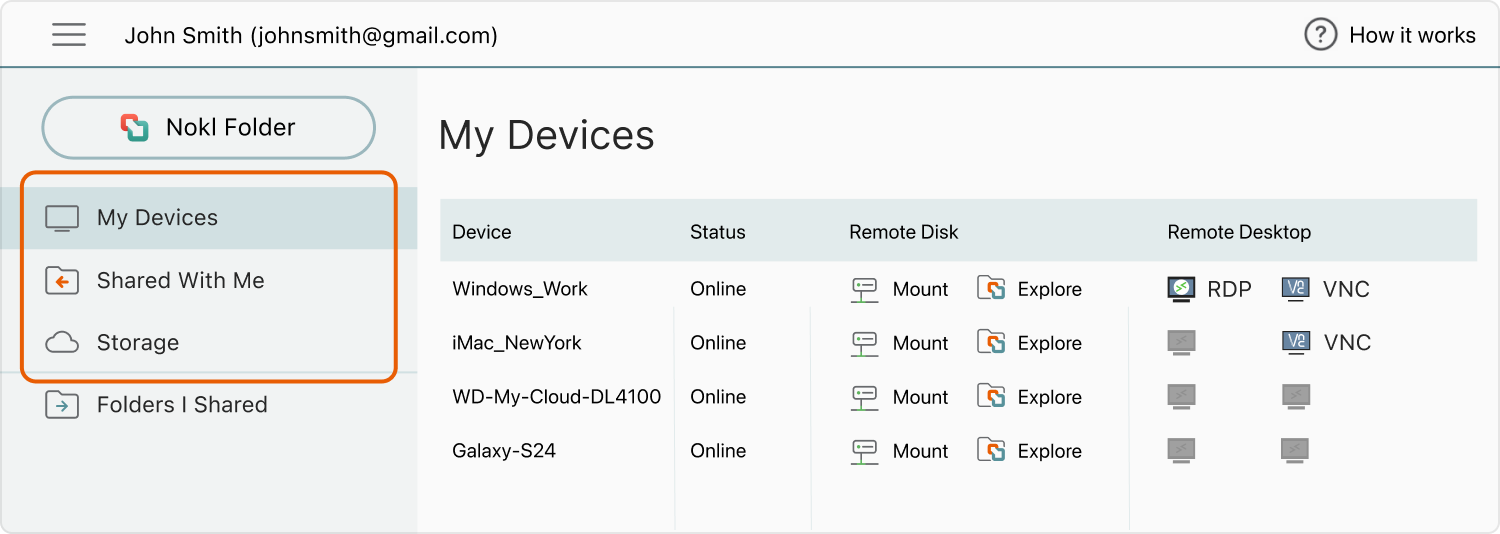
NOKL Dashboard
A list of devices where you have installed NOKL, logged in, and enabled sharing.
Folders that others have shared with you via NOKL.
NOKL's Mountable Online Storage - available on demand.
NOKL Folder
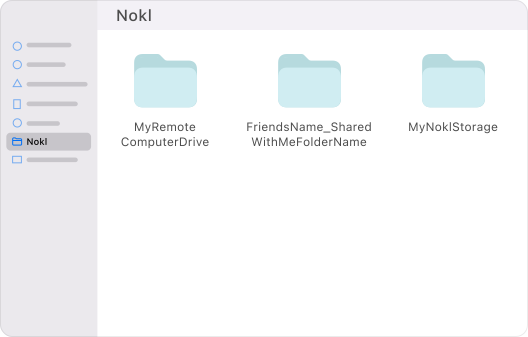
With NOKL installed, a “NOKL” folder appears in macOS Finder or Windows Explorer. Inside, you will see all the remote drives, folders, and storage locations you have mounted via NOKL.
Things to try next
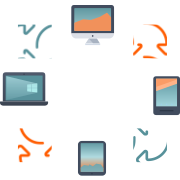
Access this computer's desktop and drives from it (just make sure sharing is enabled here).
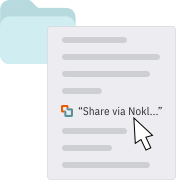
Right-click (Win) or Control-click (Mac) the folder, select "Share via NOKL...", and enter the recipient's email.